 Ashigrain
Shot on digital. Shaped by film.
Bring film colour and texture to DaVinci Resolve and other OpenFX hosts on Mac and Windows, and to iOS and Android devices.
The opening impression: five films on five strong shots. Red-rimmed night lights, Verita's warm daylight skin, Super 8 motion, Technicolor-inspired colour and grainy black-and-white. It should feel like a film reel, not a demo.
Film begins with light.
Film models draw on published response curves, grain measurements and dye data where available, with documented approximations where data is missing. A modelled print, a scan or direct reversal viewing completes the process.
The scienceOne clip that shows everything at once: the highlight roll-off on the sky, the print's colour on skin, grain in the shadows and a thin red halation rim on the practicals. Original vs Ashigrain, slider at 50%.
Find your look in 131 films.
Browse filmsShape the colour. Feel the grain.
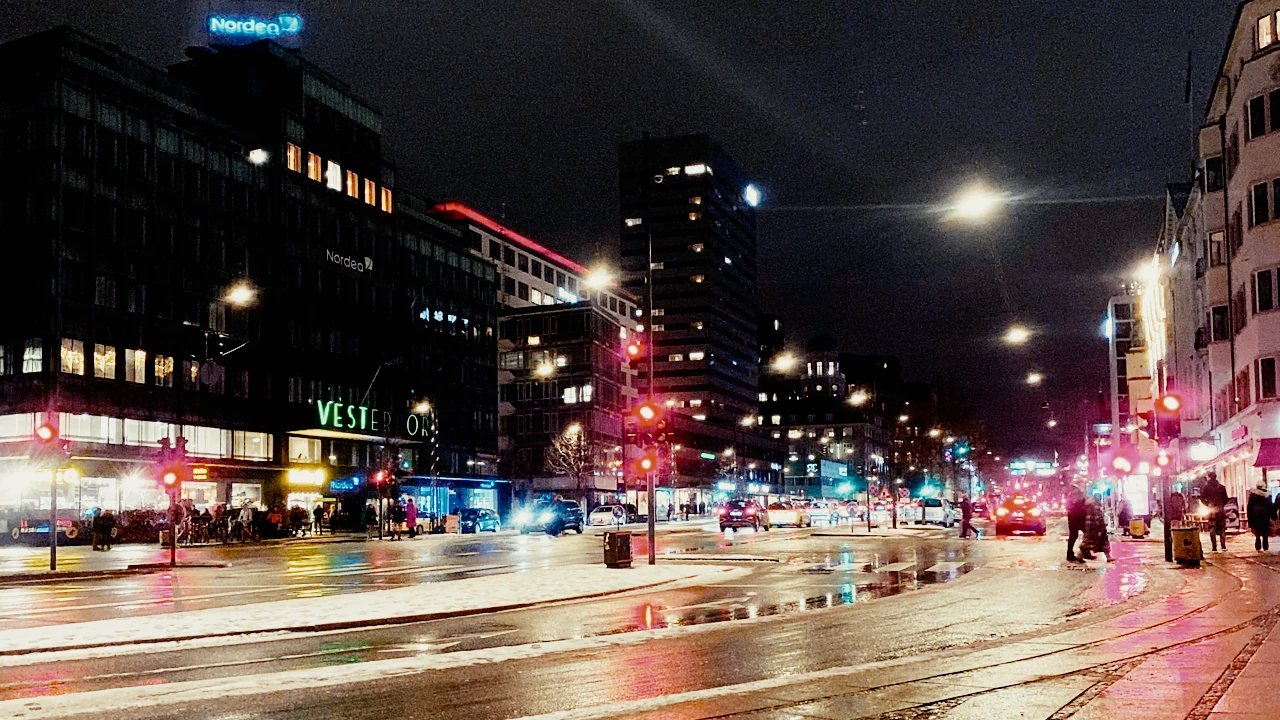
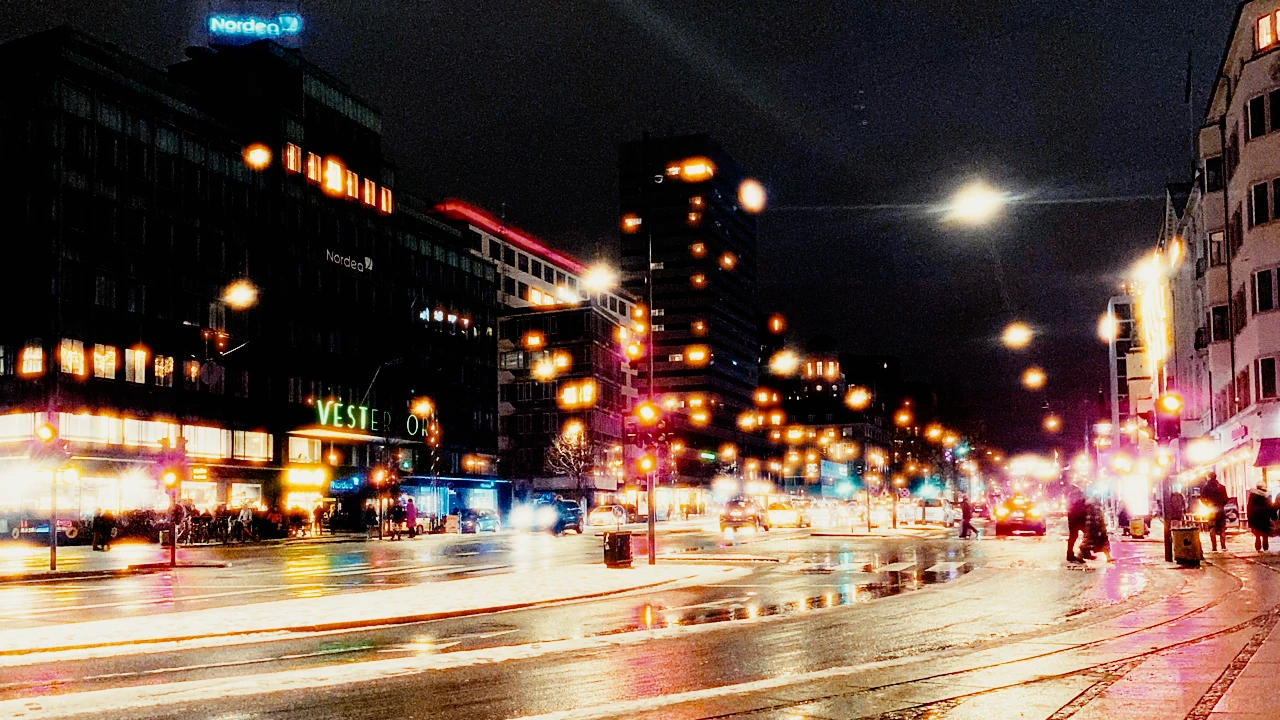
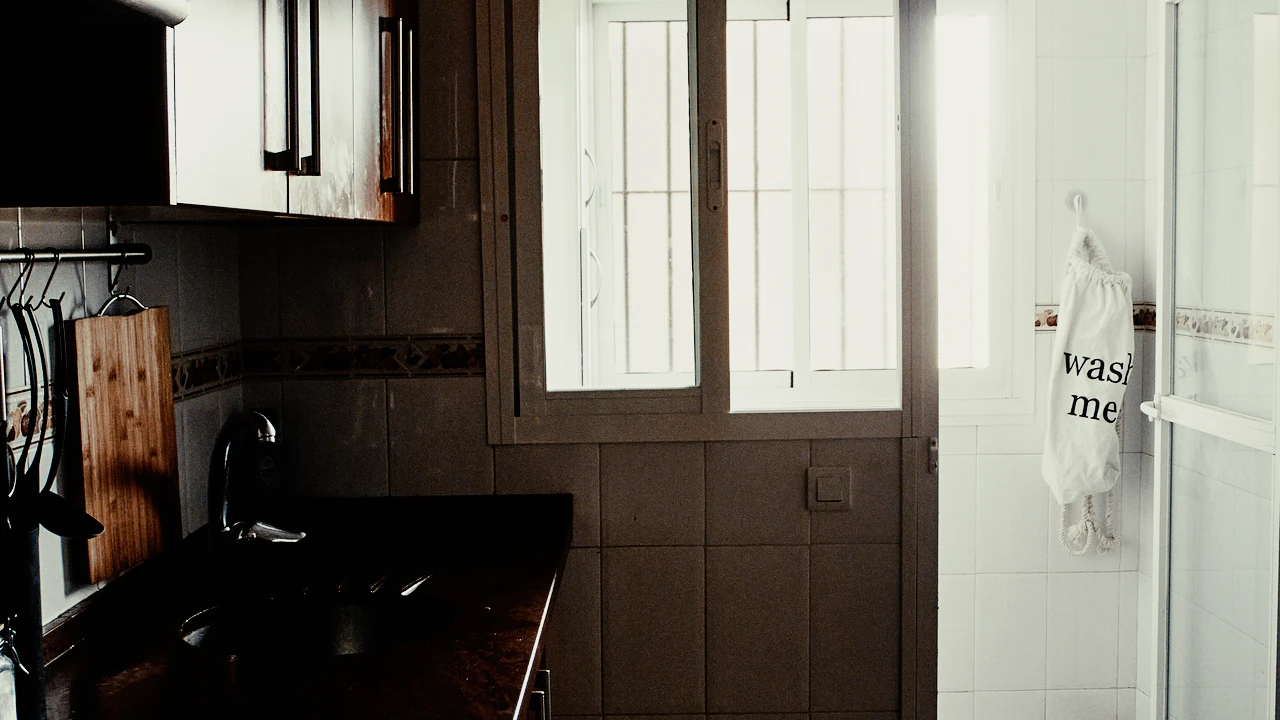
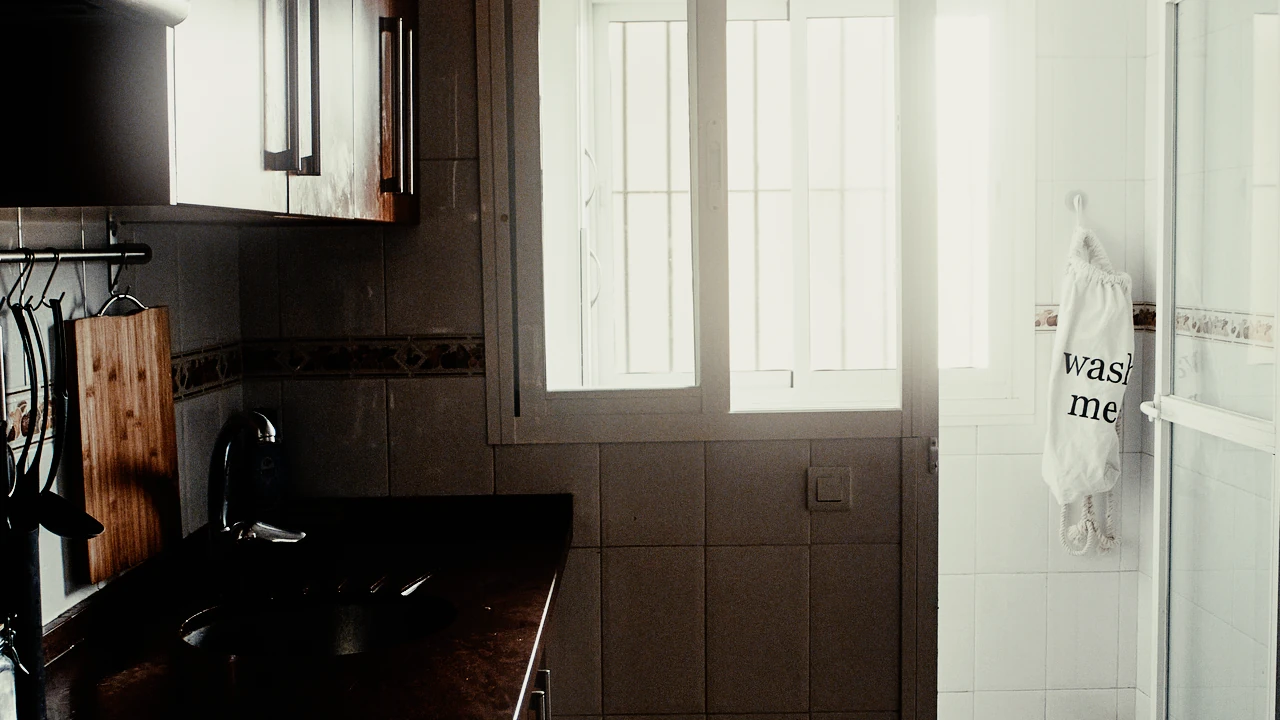
Halation
A red glow around bright lights, shaped by the film’s antihalation layer.
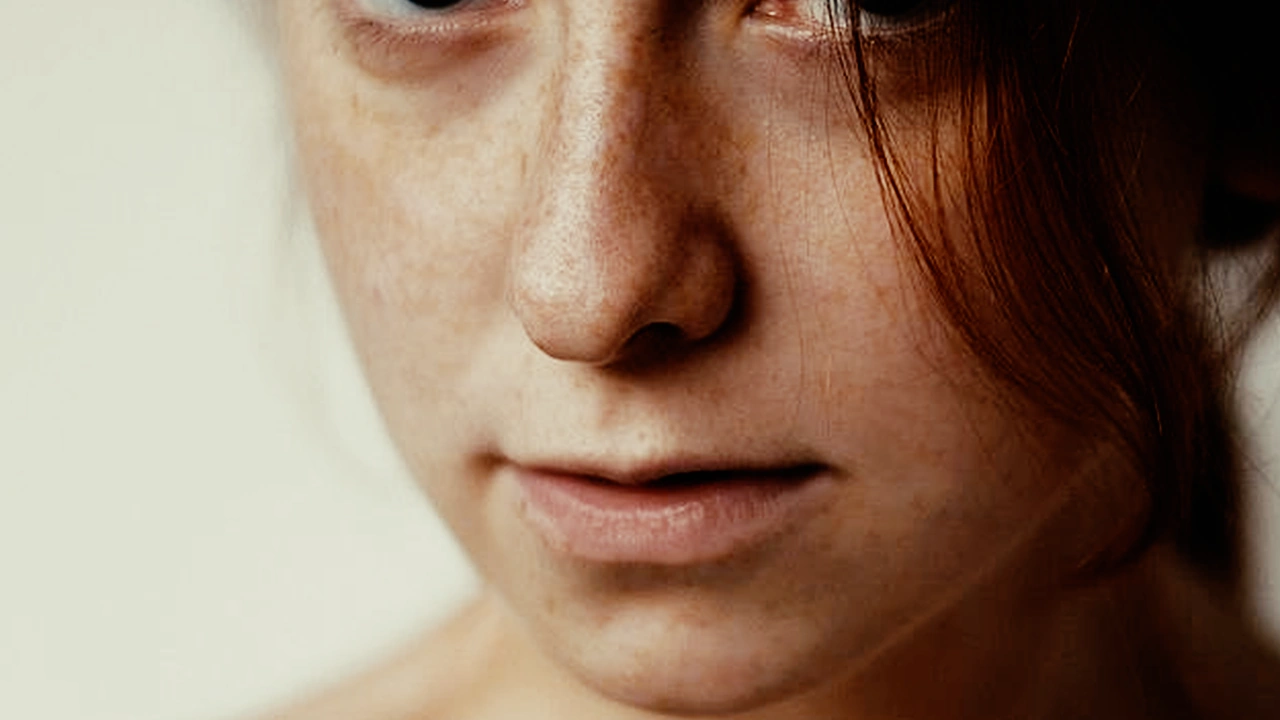
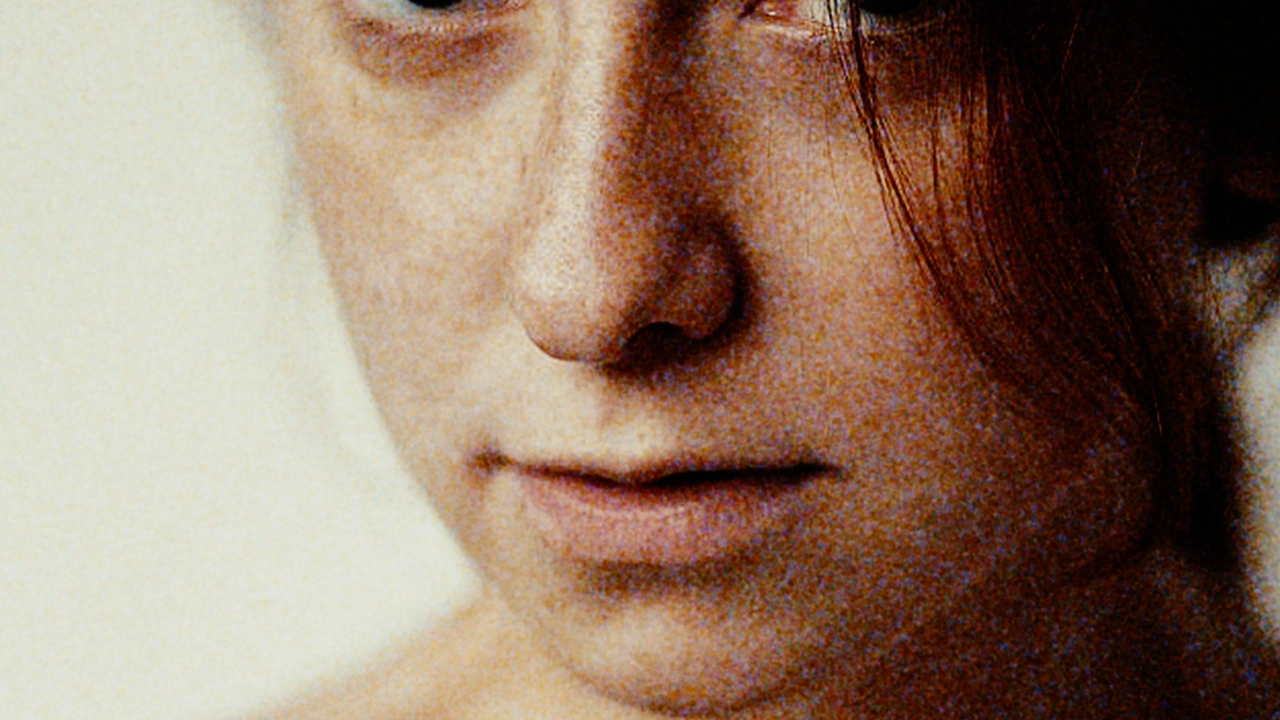
Grain
From fine texture to pronounced grain, find the character that suits your image.
Bloom
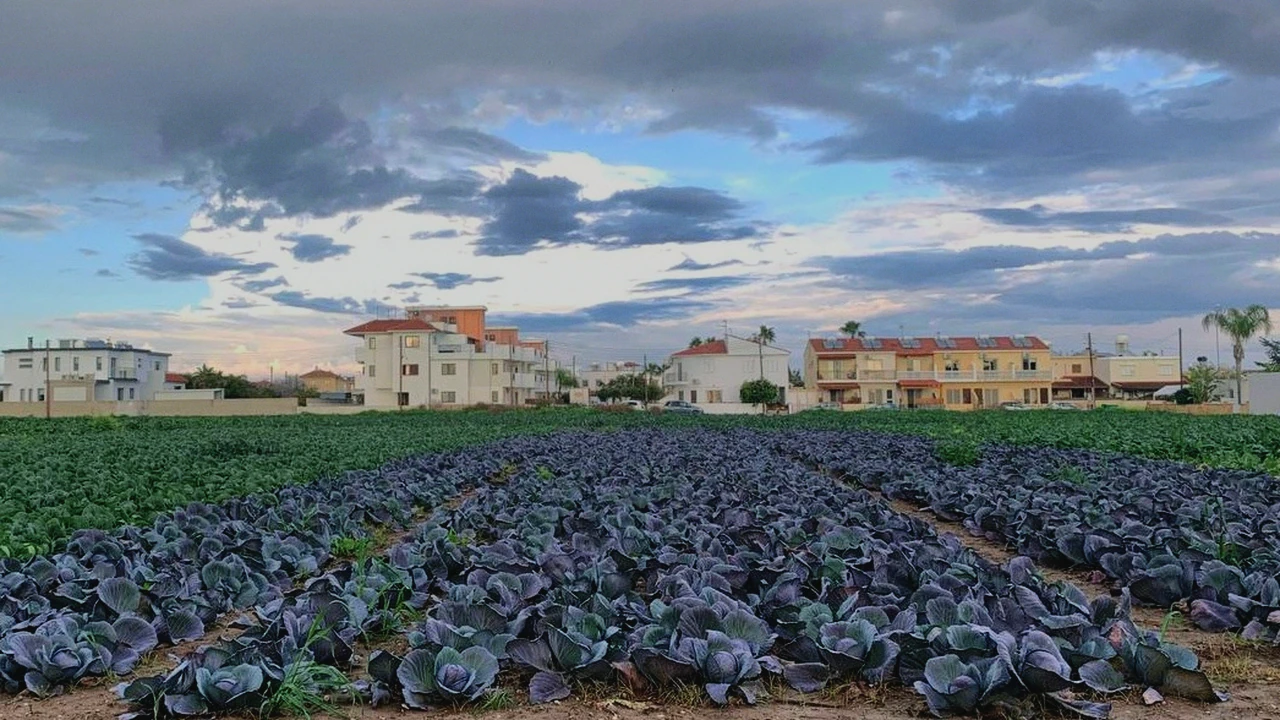
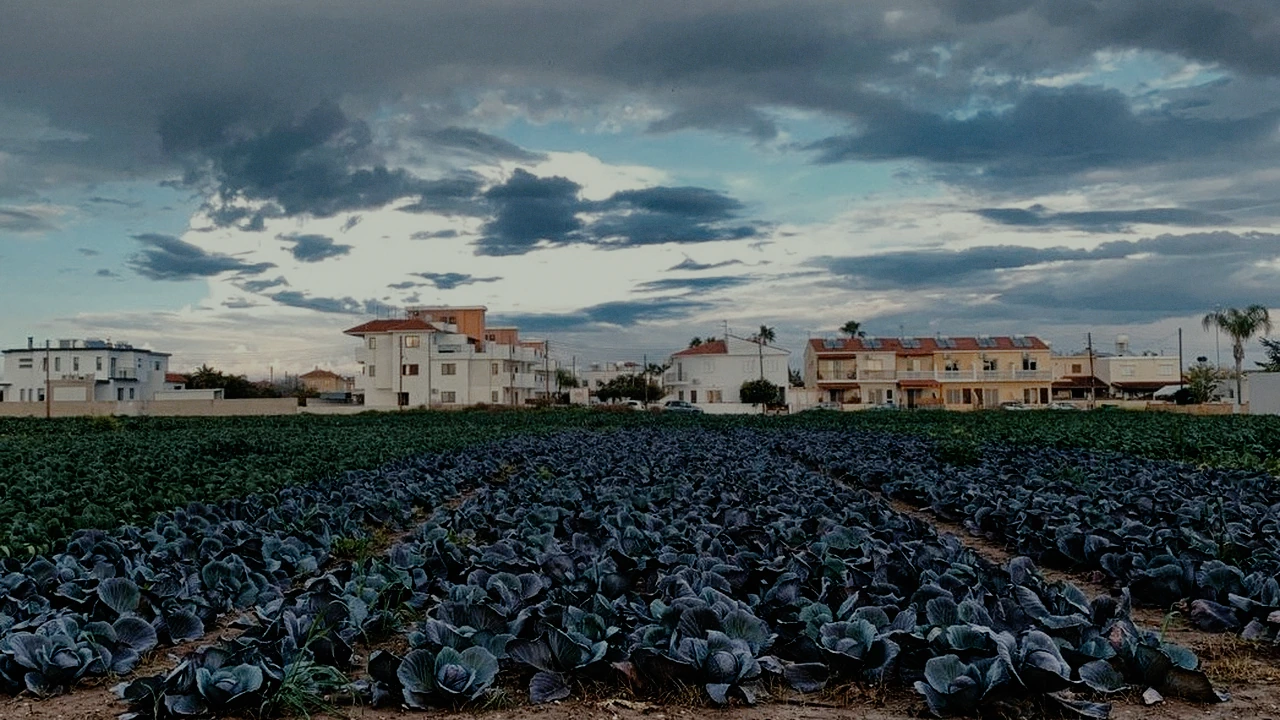
Give the brightest areas a broad, soft glow that keeps their colour.
Negative and print
The selected film sets the finish: a modelled print, a scan or direct reversal viewing.
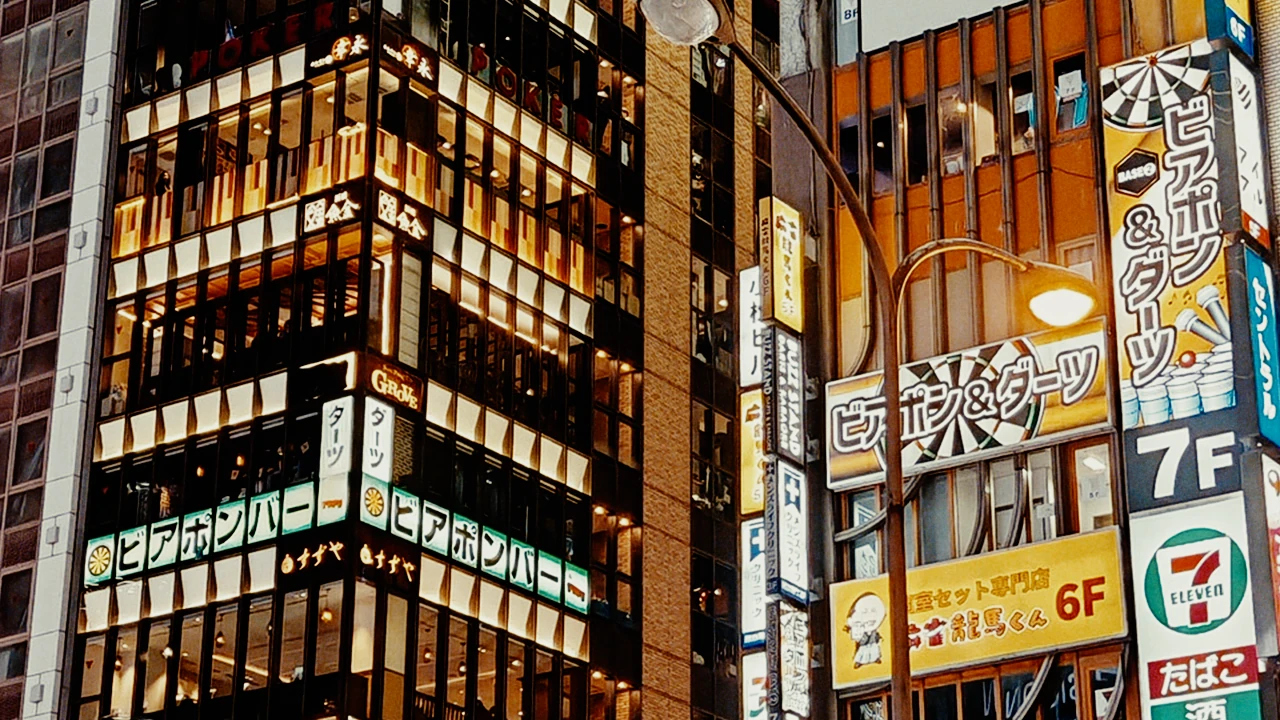
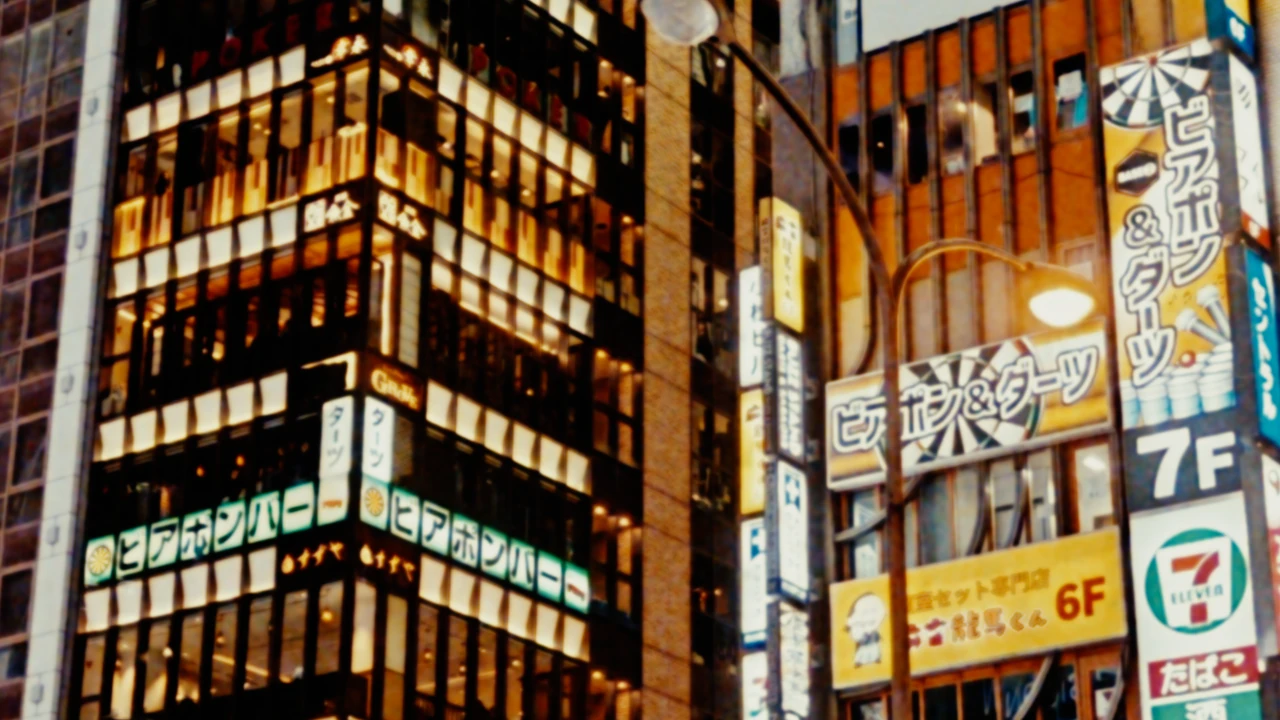
Gauges
Explore Super 35 through Super 8: smaller formats bring grain, halation and softness forward.
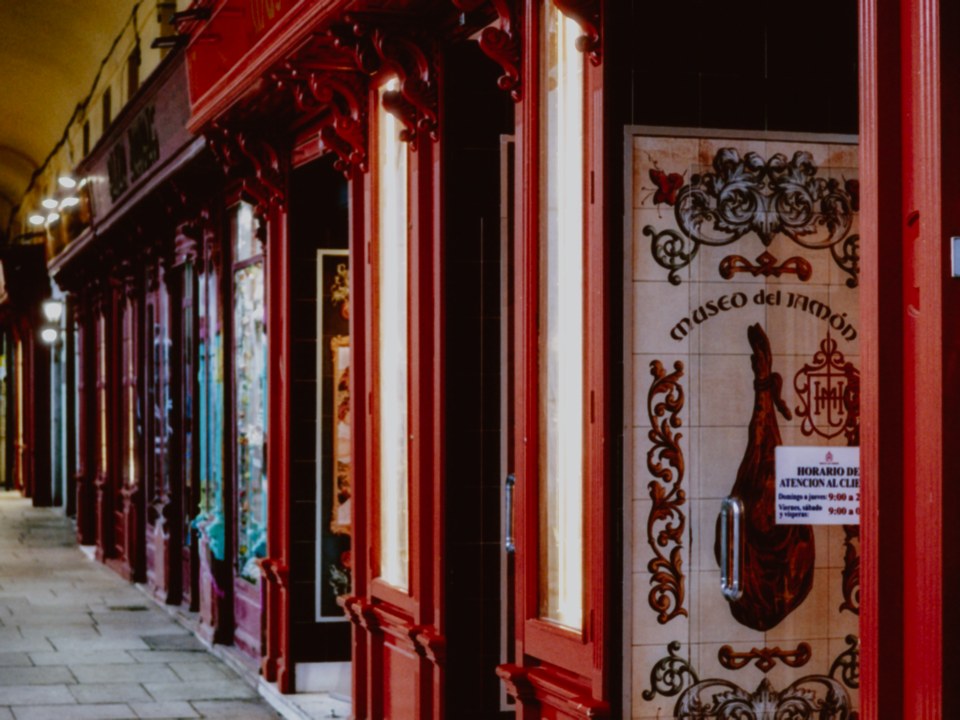 OriginalAshigrain
Projection and motion
Bring a projected-film feel to your footage with subtle frame movement and flicker.
Three steps to your film look.
Add the effect
Install Ashigrain, then add it to a node or clip in your OpenFX host. Installation
Choose a film
Choose a film. For films that use a print finish, choose the print stock too. Workflow
Shape the texture
Find the balance of grain, halation and bloom that suits your image. Adjust it as you grade. Parameters
The three steps in under 15 s: add the effect, pick a film and its print, shape the texture. Cursor visible, UI legible at 50% scale.
Film character on iPhone and iPad.
Choose a film, refine its grain and halation, then export. The app uses the same film model and processes everything on your device.
Ashigrain for iOS and Android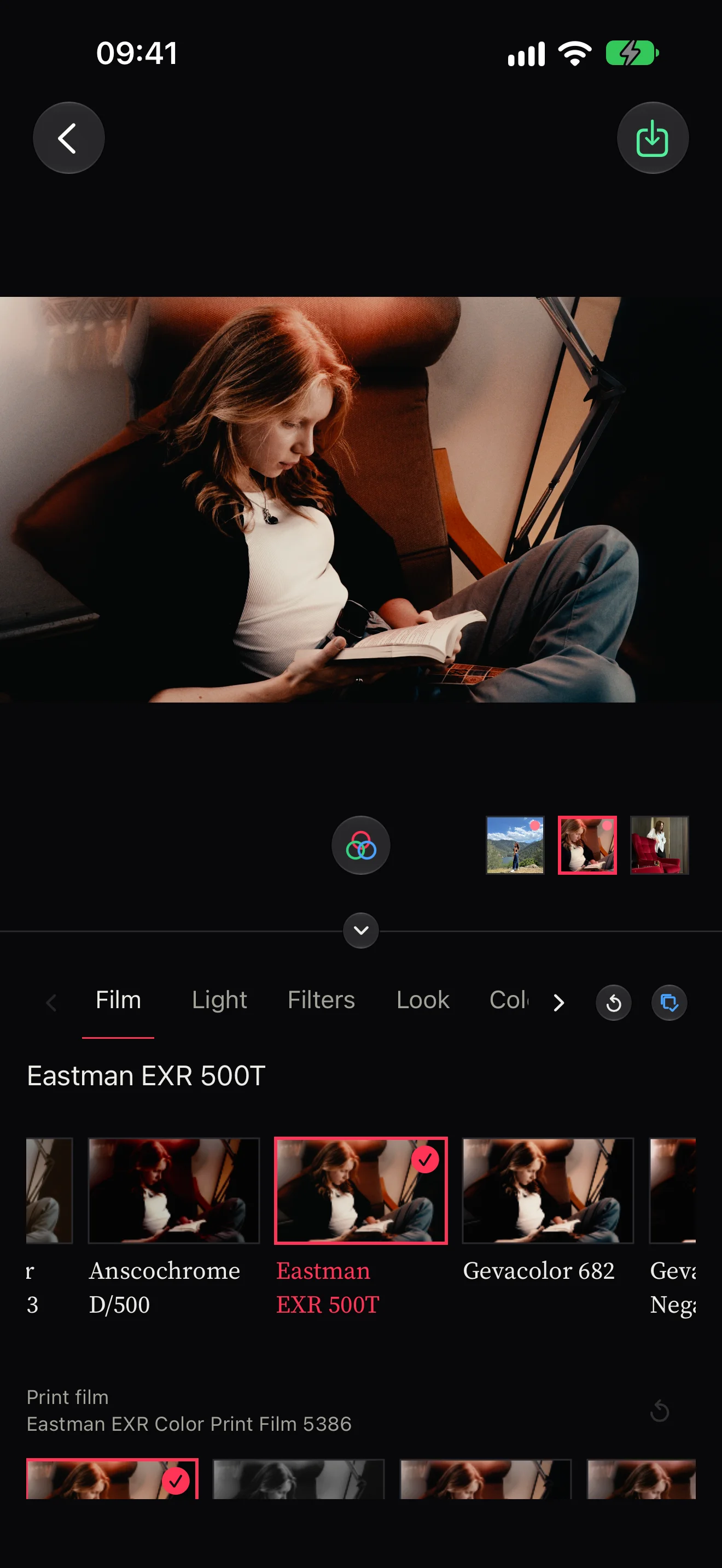
Buy the plugin.
Ashigrain for Mac and Windows, the OpenFX plugin.
€199 + VAT
- Pay once. Keep creating.
- Two computers per licence. All future updates included.
Try Ashigrain free. Unlicensed renders carry a watermark.
Questions
Is it a LUT?
Ashigrain models exposure, development, print or scan, grain, halation and bloom, with controls you can adjust throughout your grade. A LUT applies a fixed colour mapping.
Which hosts and computers does it run on?
Use Ashigrain on a Mac with Apple silicon or an Intel processor and macOS 14 Sonoma or later, or on a 64-bit PC with Windows 10 (version 2004 or later) or Windows 11. The OpenFX plugin is built for and tested in DaVinci Resolve 20 or later. For Nuke, Fusion Studio and other hosts, see host compatibility, along with the system requirements.
Can I try it free?
Yes. Create a free account, confirm your email and download Ashigrain to try every control. Renders carry an “ASHIGRAIN TRIAL” watermark until you activate a licence on your computer.
Is it a subscription?
A single purchase includes all future updates, including major versions. There is no subscription.
How many computers can I use it on?
Each licence includes two seats. Activate a new computer, or deactivate a previous one from your account, whenever you need. See Move to another computer.
Does it work with log footage?
Yes. Ashigrain decodes common camera log formats. Match Input Color Space and Input Gamma to your camera’s recording settings; Camera log input explains the setup.